Uncategorized

Cosplay In A Galaxy Far Far Away – Ahsoka Tano Cosplay

 Hello and thank you for joining me again for another cosplaying adventure. From the moment that the last Comic-Con was over, I knew the next one that I wanted to do. While I had originally planned to take it slow, I learned that once I get excited about something I can’t stop and even found another convention to attend exactly one month after the first one. Let me tell you this was a crazy month and I had a lot of moments of frustration and tears but I absolutely love how it turned out.

I started with the headpiece because I knew that was one of the most important parts of the whole costume. This was only the second cosplay I had ever made and NEVER have I used foam so this was going to be interesting. I was able to find this pattern on Etsy for the Lekku (Click Here to be taken to the pattern) I tried a variety of different adhesives on the 3mm in an attempt to find one that would actually work. In the end, I used Weldwood Rubber Cement. Something that I look is most important with this is to apply a THIN layer then you want to let it dry for a couple of minutes. It should not look wet. You can use a heat gun to bend the foam to get it to the shape that you need. A video tutorial on Youtube provided by the seller helps to show you how to put it together. Please note that it can only be printed on A4 paper so if you are in the US you’ll have to buy special paper.

After you finish putting it together, you need to seal it with your heat gun. This will close the particles and help to make sure it doesn’t melt or get deformed when painting. The foam will be shiny when it is properly sealed. Next, I highly recommend sealing it again, some recommend Plasti Dip though I used a spray rubber by Gorilla. Personally, I used the white color so that I could make sure that everything was covered and sealed properly. I let it cure for the full 24 hours before painting. For the paint, I used Plaid FX Flexible acrylic paint in a couple of different blue colors to add depth to the piece. 

For the armor, I purchased the pattern from the same seller HERE. It came with no instructions but was able to figure it out. Eventually. Please note that I am a size XL and the belt part I had to adjust because it was not long enough to go around. After everything was put together I sprayed it also with the spray rubbed and painted it. For the silver parts I was running out of time and opted to pair it with spray paint with a hammered metal texture. For everything except the belt, I added elastic straps. To keep it secured I sewed a piece of nylon webbing (or straping) and then hot glued it to the back of the piece. For the belt, I hot-glued the buckle to one of the sides and then put velcro to hold the other end of the buckle to the other end of the belt. However, I was worried it would randomly fall off so I bought some parachute clips from amazon and attached elastic to each one, and put it on the inside of the belt so that it would have doubt security but still stay hidden.

Last but not least is the dress. I purchased this pattern from Etsy HERE. Admittedly at first I was worried because there are no sewing instructions what’s so ever. However, it is a pretty easy sew. I started with the shoulder seams and then the side seams. I trimmed the extra from the seam allowance and clipped the curves in the side seams. Since I have a bigger chest, it didn’t fit quite right there so I added a couple of darts that fixed the problem. For the silver details, I traced the guides on my computer and had my Cricut cut everything out of silver HTV and then applied it with my Cricut Easy Press Mini.

I finished off the look with a $5 pair of navy blue leggings from Walmart and some tall boots that I used that I already had.

Dress fabric: Click Here
Silver HTV: Click Here
Navy Forearm Sleeves: Click Here

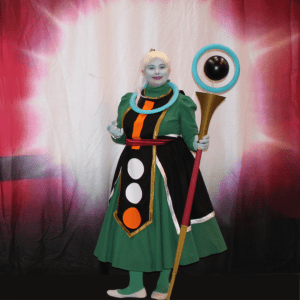
Now with the final reveal of the whole costume:

If you have any questions, please don’t hesitate to reach out. Until next time!

Uncategorized

Ena from Monster Hunter Stories 2 — Cosplay

 Hello everyone! I’m so excited to share with you the first-ever cosplay that I made! I am still new to sewing (only being learning to make clothes for maybe 6 months or so) However, after over 2 years without a vacation due to COVID, we decided to do a mini weekend getaway and go to our first official comic con near us. We of course didn’t decide that we were going to do this until the last minute so I had to pull everything together in 5 days. It was a struggle for sure with trying to work and make this costume but it turned out so well that I have to share it with you. 

If you have not had to the chance to play Monster Hunters Stories 2: Wings of Ruin for the Nintendo Switch I highly recommend it. It has a great storyline and the action is not too intense. It’s an open-world adventure that is so relaxing as you can explore and the character customization is top notch. One of the characters that travel with you is Ena. 

So first off one of the most important things for this character is the jacket. This is ultimately what took the most time. I was able to find this pattern on Etsy and I highly recommend it. What I loved about the pattern is that it has not only the jacket pattern but also the dress, bracers, belt, and pauldrons. I also loved that the price was so reasonable. I also found the seller was extremely helpful and willing to answer all of my cosplay newbie questions. When it came to the fabric for the jacket I had a hard time trying to figure out what to use. I get overheated very easily and was worried that in a busy convention center this was going to be an issue, especially since it had a lining. I finally decided on this linen blend on Amazon and purchased the green color. (For fabric listing click here) For the inside lining, I just went to my local JoAnn Fabrics and bought a basic white cotton fabric. 

For the dress I didn’t have enough time to actually sew it so I went to Walmart and purchased a short-sleeved shirt that was 4 sizes bigger so that it would have the right length. I cut out the details for the dress and hood of the jacket with the included SVG files on my Cricut and then ironed them on.

For the belt, bracers, and pauldrons I used a microsuede fabric in Chocolate on Amazon (you can find it here) For the scales on the pauldrons I purchased some silver rolls of faux leather from Hobby Lobby and had my Cricut cut that out as well so that they would be even and then hot glued them on. 

The accessories were what really finished it off. In the listing for the pattern, they recommended someone who had the 3D print files for all the accessories. Needless to say, I purchased those and 3D printed them and hot glued them on or hot glued to a broach pin to easily take it on and off. (Click Here for the link to the 3D print files.) 

I finished off the outfit with a pair of shorts and a pair of tall boots that I already had as well. 

Wig: Click Here
Ears: Click Here

Now I present you with the finished cosplay:

Uncategorized

Custom Monogram Coasters – A Must Have!

Hello, my friends!

I hoped that you are all are fairing well with this COVID-19 pandemic. Finding myself at home all the time has been really hard. I’m used to always being on the go and I have never been good at sitting still. However, it has been let me do more creatively which I am always thankful for. That brings us to today’s post.

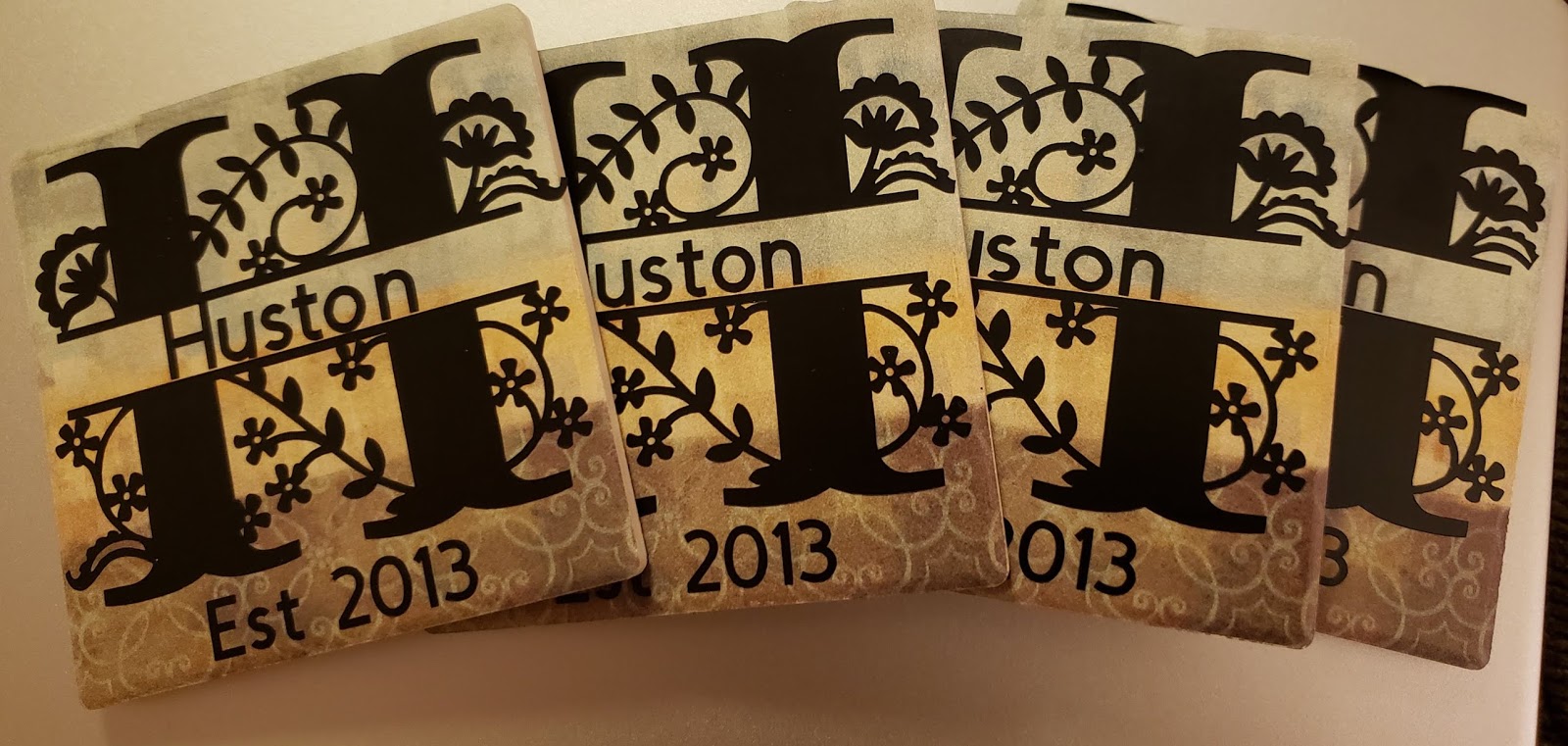
Today I am going to walk you through how you can make beautiful customized coasters for only about $6. Below is the set that I made.

So to make these you need some beauties you are going to need some things:

  • 4 Coasters (Or as many as you want)
  • Permanent Vinyl
  • Transfer Tape
Coasters: For coasters, there are many different types that you can get. The ones showed above I bought from Dollar Tree for $1 apiece. They are really nice because they have cork on the bottom so it will not scuff your table but the stone on top is absorbent. They also come in different designs which is super fun to play with.

That being said there are other options as well. I have also used just regular cork coasters (those require HTV) I have also use slate coasters that I bought at Michael’s. So you can buy new or if you already have some and what to give them a fresh look. You have plenty of options.

Vinyl: Like I mentioned before for these coasters from dollar tree I just used regular permanent vinyl.

Transfer Tape: Naturally you don’t want to use a strong grip transfer tape. My personal favorite transfer tape is the Paper Studio Transfer Tape you can buy at Hobby Lobby.

How-To:
1. After you collect your materials you want to get on design space and create your design. Right now I’m going crazy over these split monograms that are part of the image library. Before you move to on make sure that everything is attached if you are using all one color.

2. Make sure that your image is within the dimension size and duplicate the design for how many coasters that you are making.

3. Cut out the design.
4. Weed out the extra vinyl
5. Apply the transfer tape to the image.
6. Carefully apply it to the coaster.

7. Repeat to the other coasters and enjoy!

Remember that the permanent vinyl takes 24-48 hours for the adhesive to cure. That being said I suggest not using these for 2 days. After that, that’s pretty much it. I have been using the ones that I’ve made for several months and they are still perfect. When their dirty you can just spray them with clean and then you’re all good. Until next time, stay craftalicious everyone!
Uncategorized

Custom Cutting Board – Great Housewarming Gift

Hello everyone! I wanted to share with you today a gift that is easy to do and makes a fantastic addition to a housewarming gift and/or wedding present. It is these custom cutting boards. The things needed for this project are: 
  • Cutting Board
  • Vinyl
  • Transfer Tape
  • Squeegee or card
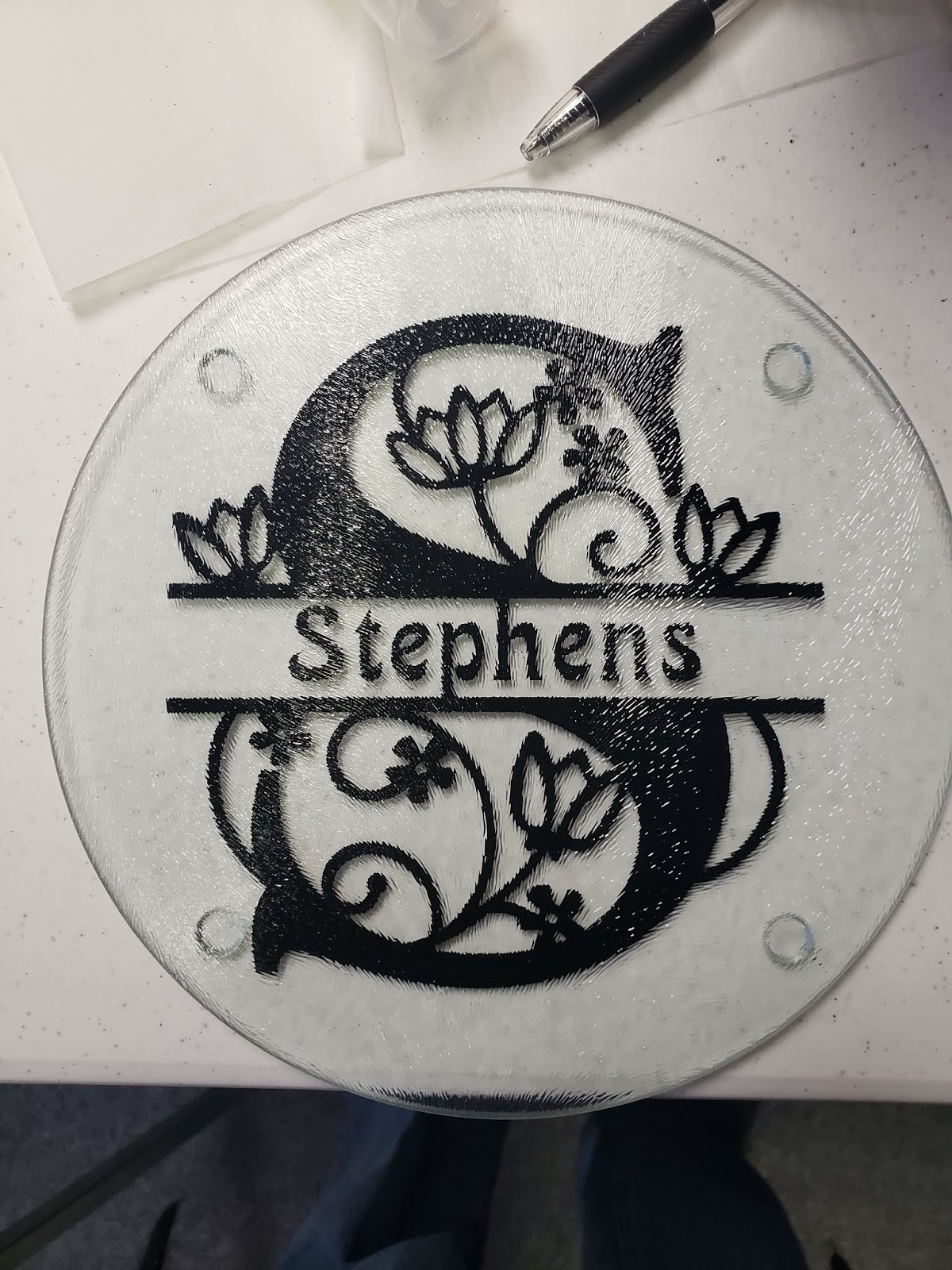
The best part about it is that you can pay as much or as little as you want. The cutting boards that are below I got from the dollar tree. They would be perfect for a cheese cutting board. If you wanted to do something bigger or a full-sized one, you can find those at any bigger store.

How to Create These Beautiful Cutting Boards:

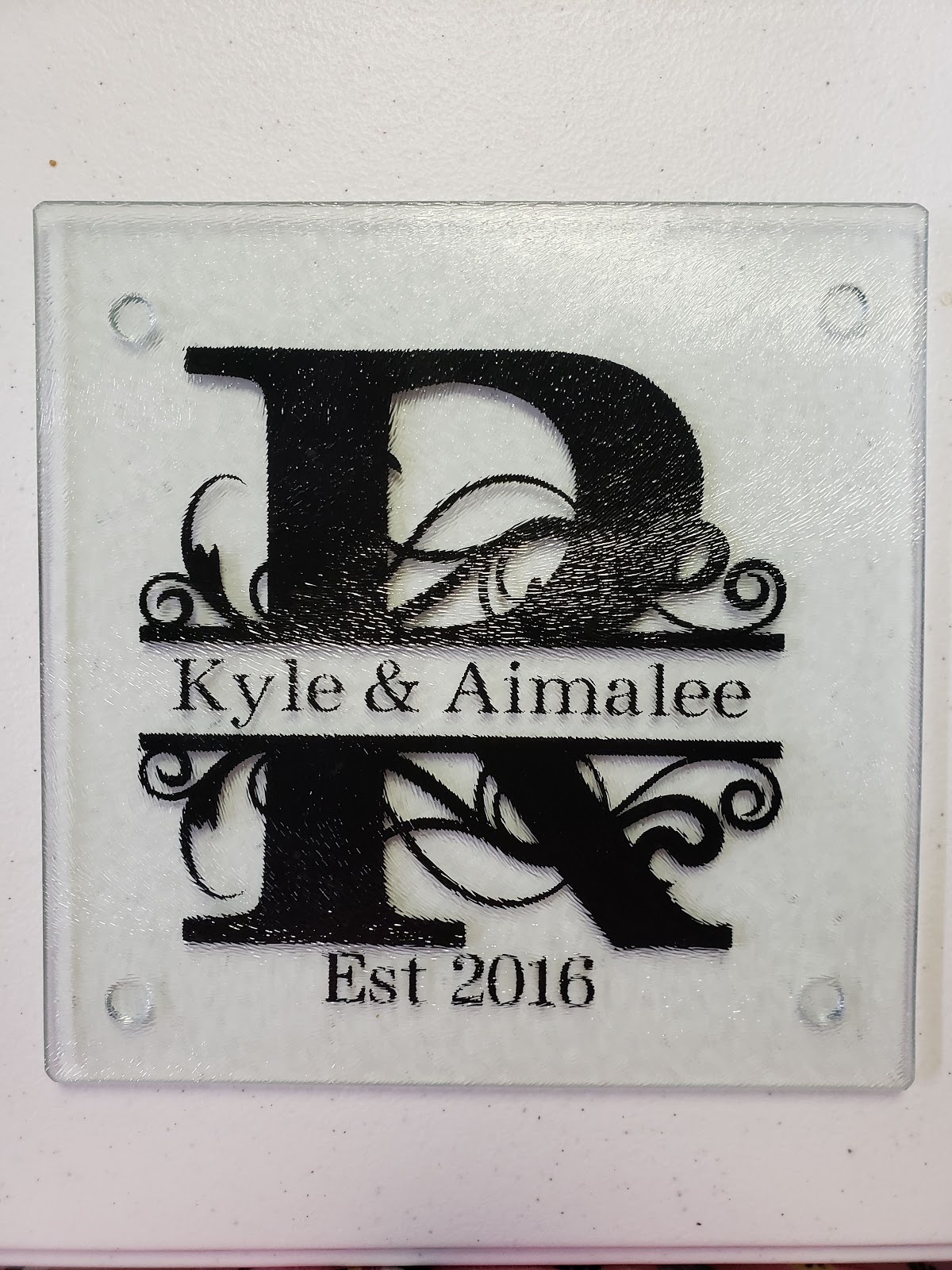
  1. Design your image on Design Space — Personally, I love split monograms. You can find these images on Design Space under Cartridges → Split Monograms
  2. Use your Cricut or cutting machine to cut out your vinyl — You can do this as big or as small as your cutting board will allow. You have to make sure to MIRROR YOUR IMAGE. For your vinyl, I recommend Oracle 651 since it has a permanent adhesive and the color goes all the way through.
  3. Weed out the extra and apply the transfer tape.
  4. Clean the bottom of the cutting board with rubbing alcohol – This is important because if there is any fingerprints or anything on it, the vinyl may not stick all the way.
  5. Carefully apply the decal to the bottom — You want to do this slowly using your squeegee. This will help prevent bubbles in the vinyl.
  6. Voila! You’re done!

Because, the vinyl is applied to the bottom they can still use the cutting board and they look beautiful! I made these for a total of $3! How amazing of a deal is that!?! That wraps it up for today, talk to you next time!

Uncategorized

Make a Shirt with Glitter HTV like Pro

This tutorial is going to show you step by step how to make a shirt using Glitter HTV.  Without further ado, let’s get right in.

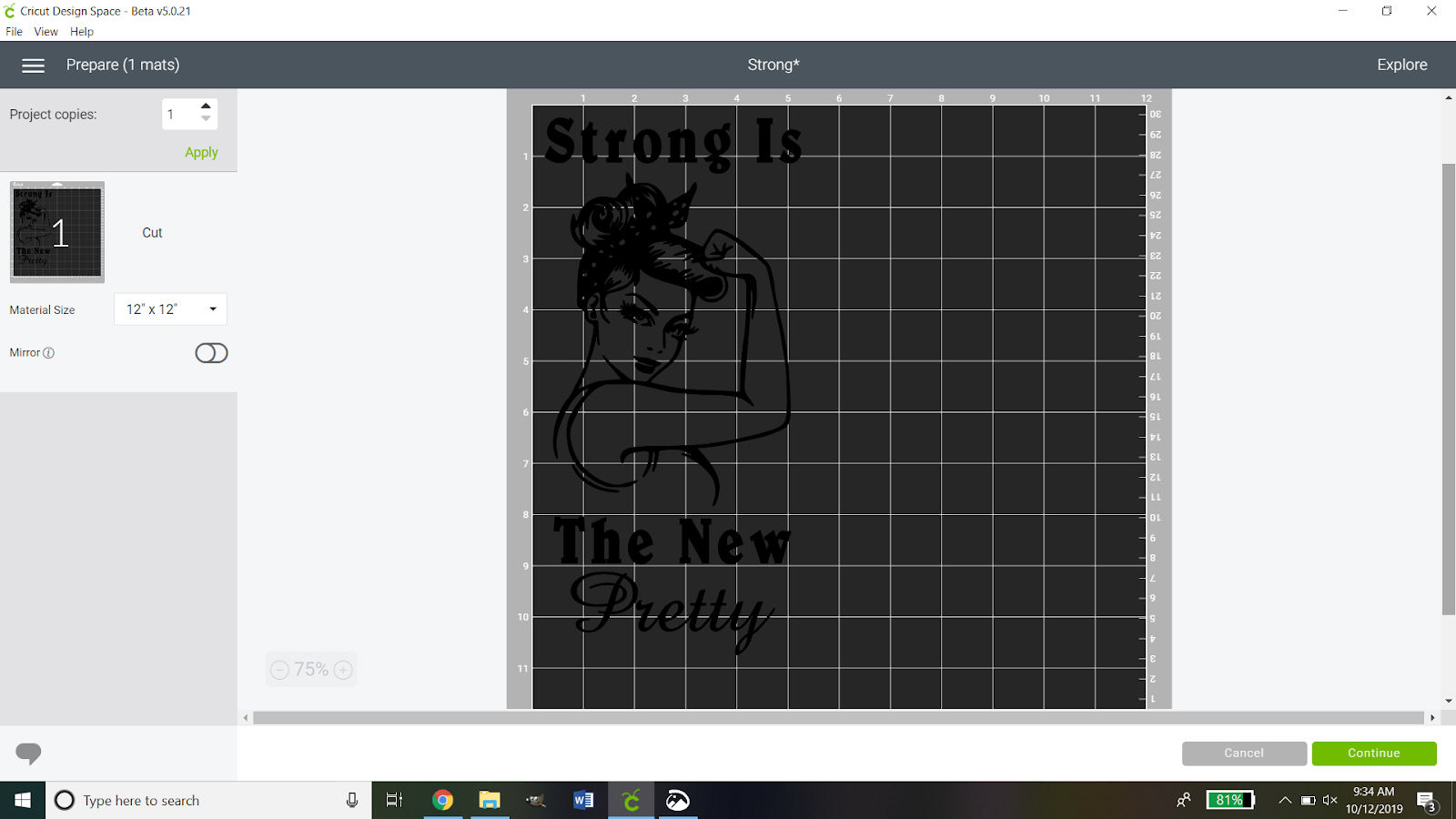
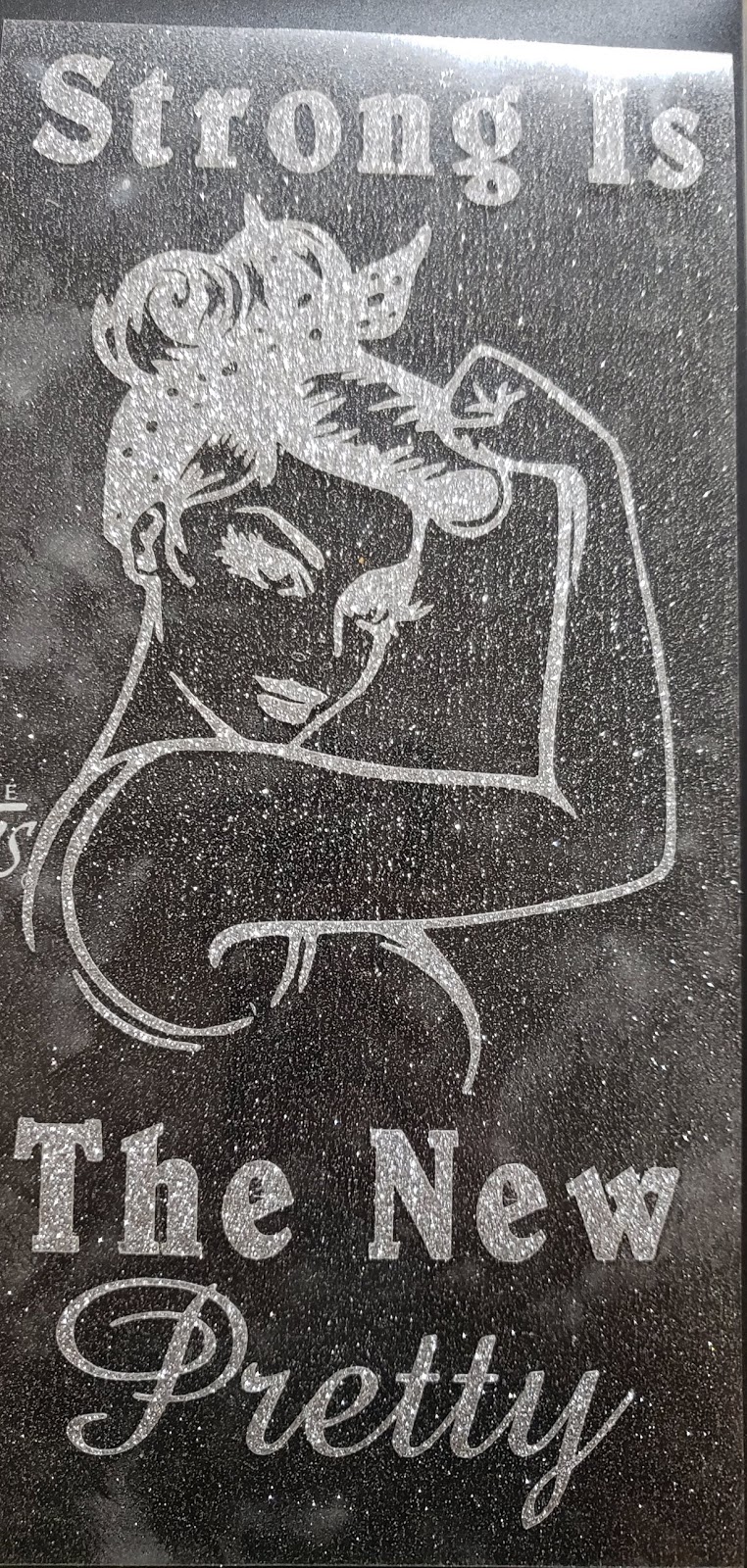
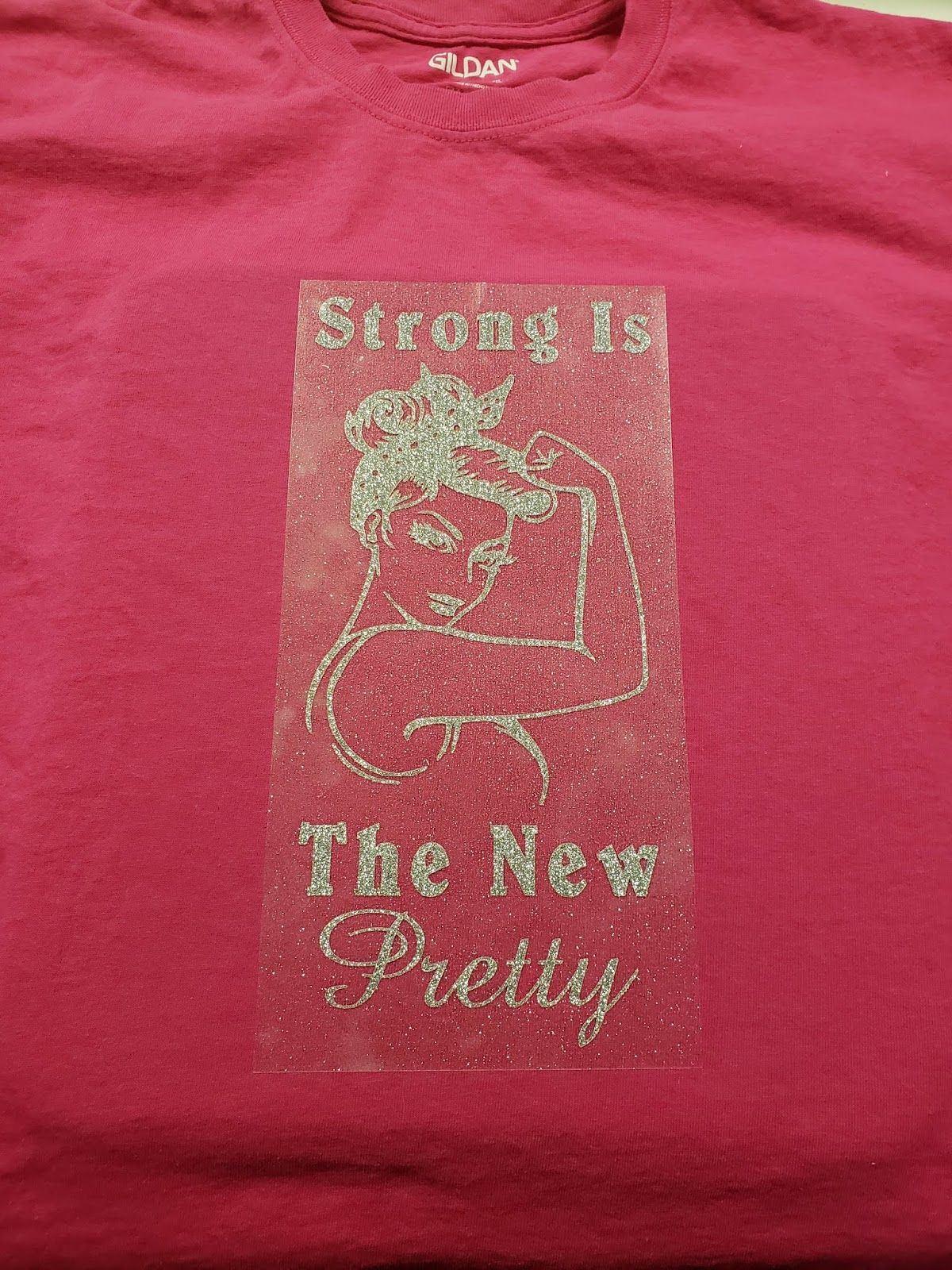
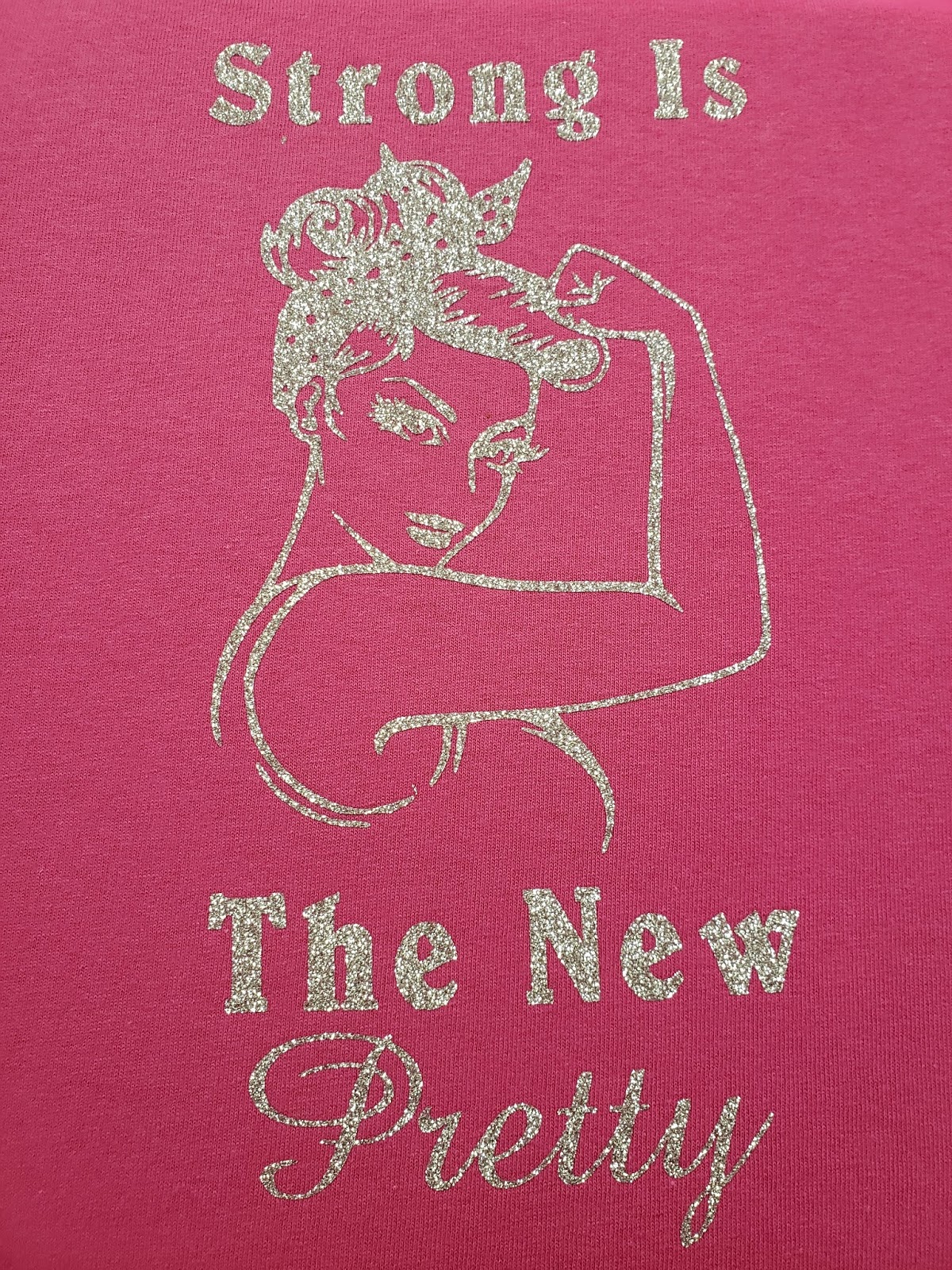
First, you want to start with the image that you are going to use for your shirt. I found this lovely pinup girl and then added a sentiment that I really liked. Once you have everything all set up click the make it button.

Then we want to make sure that it is on there just how we want it. This is important: DO NOT FORGET TO MIRROR THE IMAGE!

Because glitter HTV is thicker than traditional HTV we need to have it on a different setting. So you want to hit the continue button then set your Cricut to the custom setting. When you do so you will see this:

You then want to click browse all materials and search for glitter iron-on.

When you have done that you will see a screen like this:

This is your chance to check all of your settings to make sure they are where they are supposed to be. If you notice there is a pressure drop-down box. You can decide if you want it to be a default, light, or heavy pressure. The Siser glitter HTV is very thick so I opted for heavy pressure. Now you need to get your vinyl ready. I used the guide on the digital cutting mat and cut my vinyl 11 X 5.5. I then applied it shiny mat shiny side DOWN. Always apply the shiny side of the vinyl against the mat.

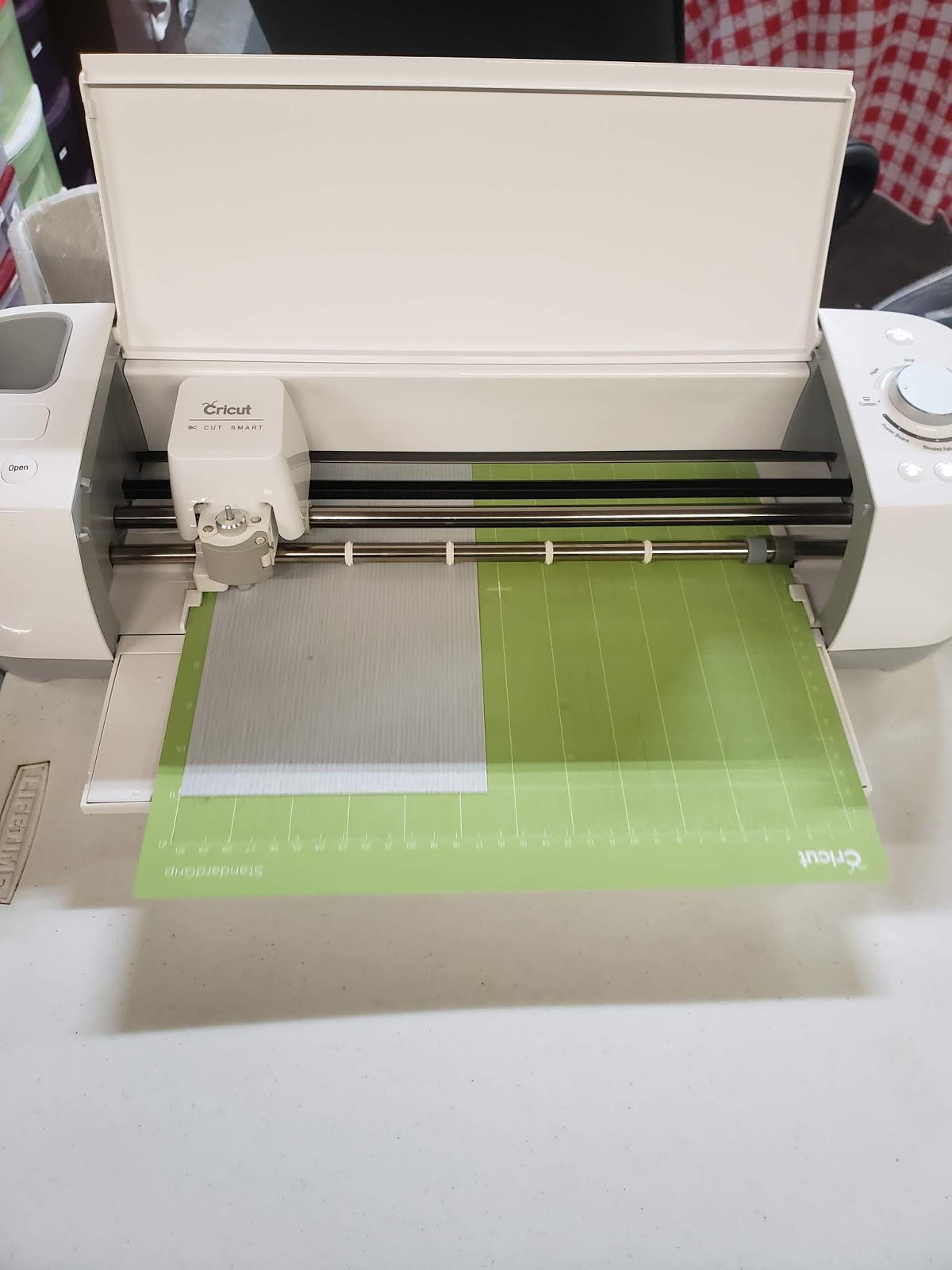
Then you want to load your mat and start to cut. Depending on how intricate your design you wait for it to finish cutting.

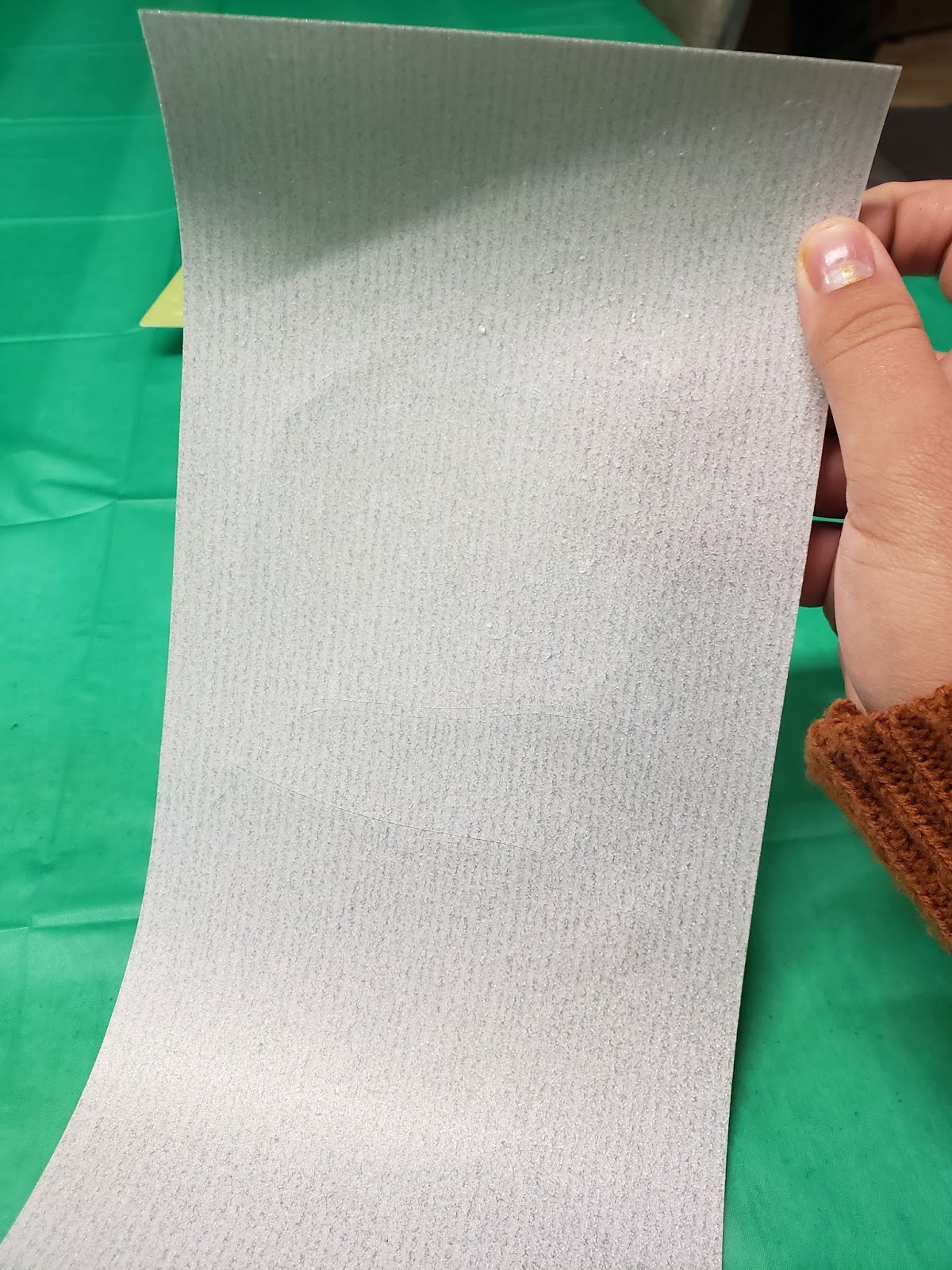
So now that it is all cut you can take it off the mat. So now comes the fun and time-consuming part. You need to weed, or remove the extra vinyl. I find it easier by taking the extra around the edges before doing little details then I use the picture on my computer to help me find what I need to weed out inside the image.

When you are done it should look like this:

Not that is done you want to arrange your shirt and heat transfer pillow right where you want it. It is important that you wash and dry your shirt without fabric softeners before continuing.

Next, you need to know the temperature that you need to use so you can use a quick search on google like so: 
You then want to set your heat press to the temperature and time and then let it warm up. Before you start applying the HTV you need to pretreat the shirt. To do this you need to hold the heat press to the shirt for 15 seconds after it has warmed up.
Then you want to carefully apply your decal just how you want it to be on your shirt. Make sure that it is even.
Then you want to apply either a Teflon sheet or parchment paper to the top of your design and then press it. It will probably take more than one time of pressing. When you start to peel off the clear plastic you want to make sure none of the edges are peeling off. After you get the plastic carrier sheet off you want to press it one or two more times just to make sure.
Then you want to flip the shirt inside out and press again. This is to make sure that it stays. Then that is all, you’re done.
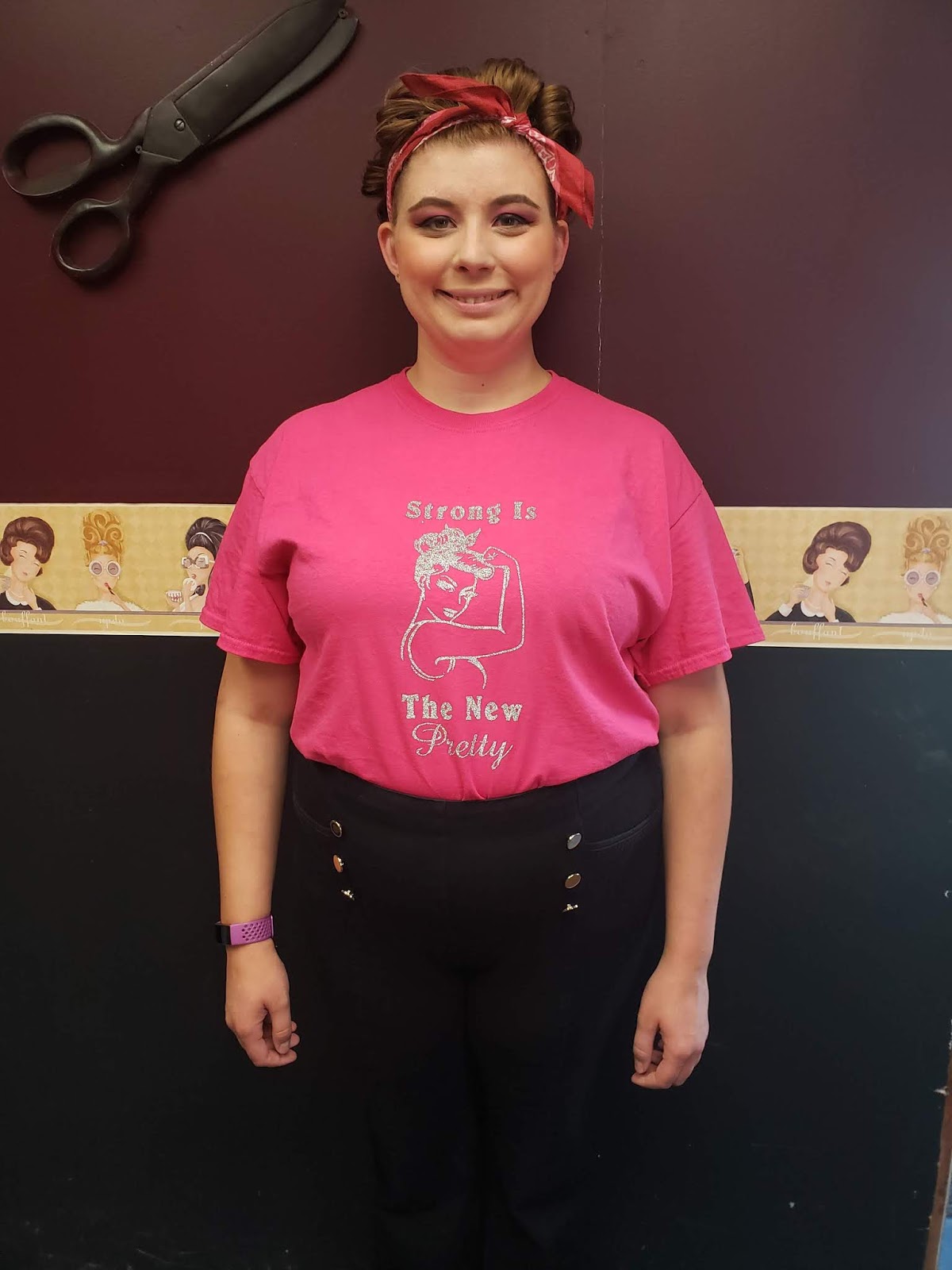
Then you get to wear and enjoy your beautiful creation. Just remember that you are not allowed to wash it for 24 after attaching the vinyl.
That’s all for today! Until next time have a craftabulous day!
Uncategorized

Personalized Gift Basket for $25!!

Welcome back! I have been planning this post for a little while but had to wait to post it. I made this gift basket that I was super excited about but didn’t want it to get back to the couple. So let’s jump right in.

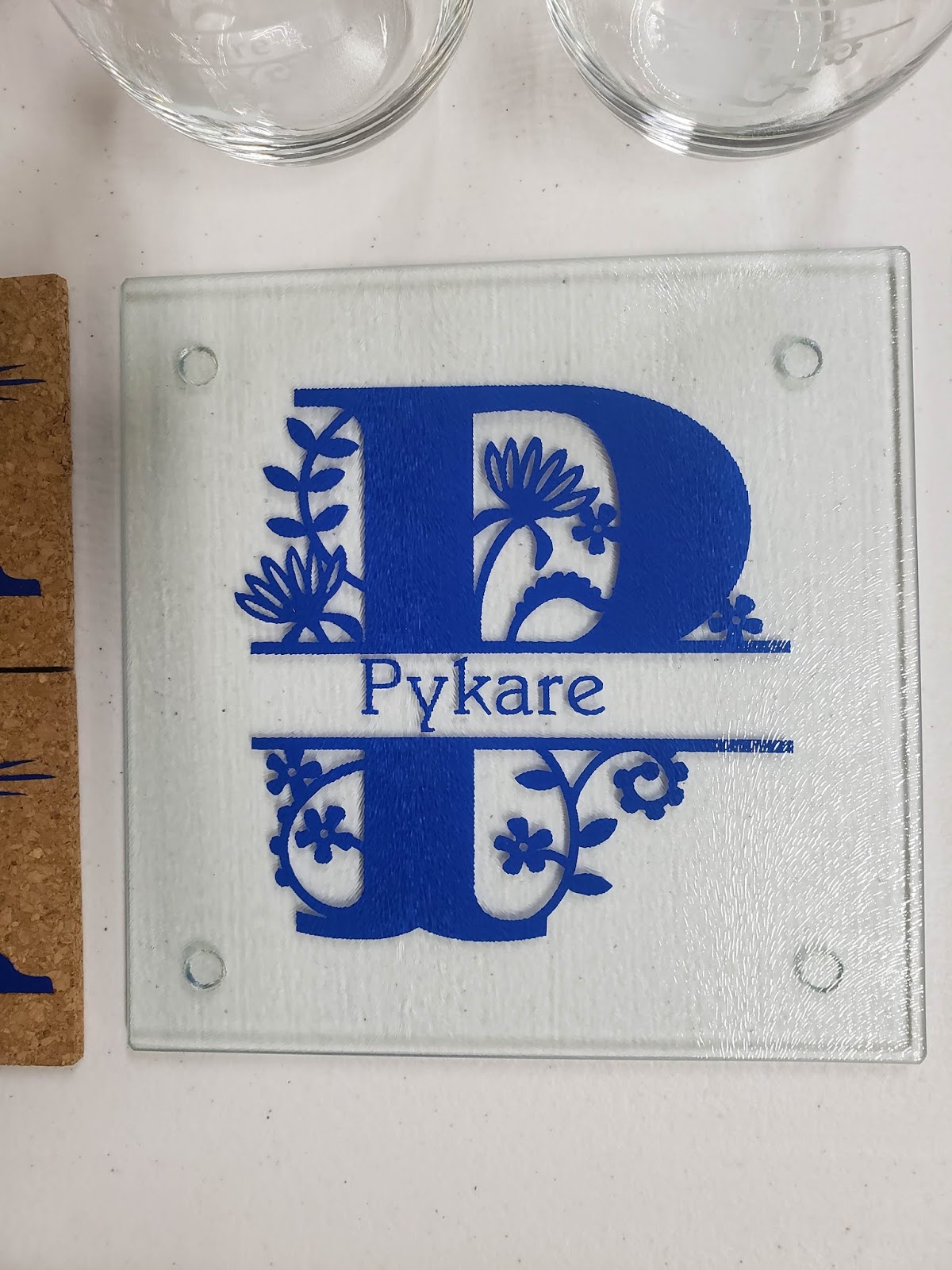
So first up is this beautiful split monogram cutting board. I had been watching various youtube videos trying to find an idea of what to make them. One of the first videos that I came across was how to make a custom cutting board. Believe it or not, the glass cutting board was actually bought from Dollar Tree. How cool is that!?! So this gift is so easy to do. I designed it on Cricut DesignSpace. I use Oracle 651 vinyl because the color is on both sides. When I cut the image I mirrored it so that I could attach it to the bottom so they could still use the cutting board. When I applied it I used a ruler as a squeegee to make sure there were no bubbles and voila, this one is done.
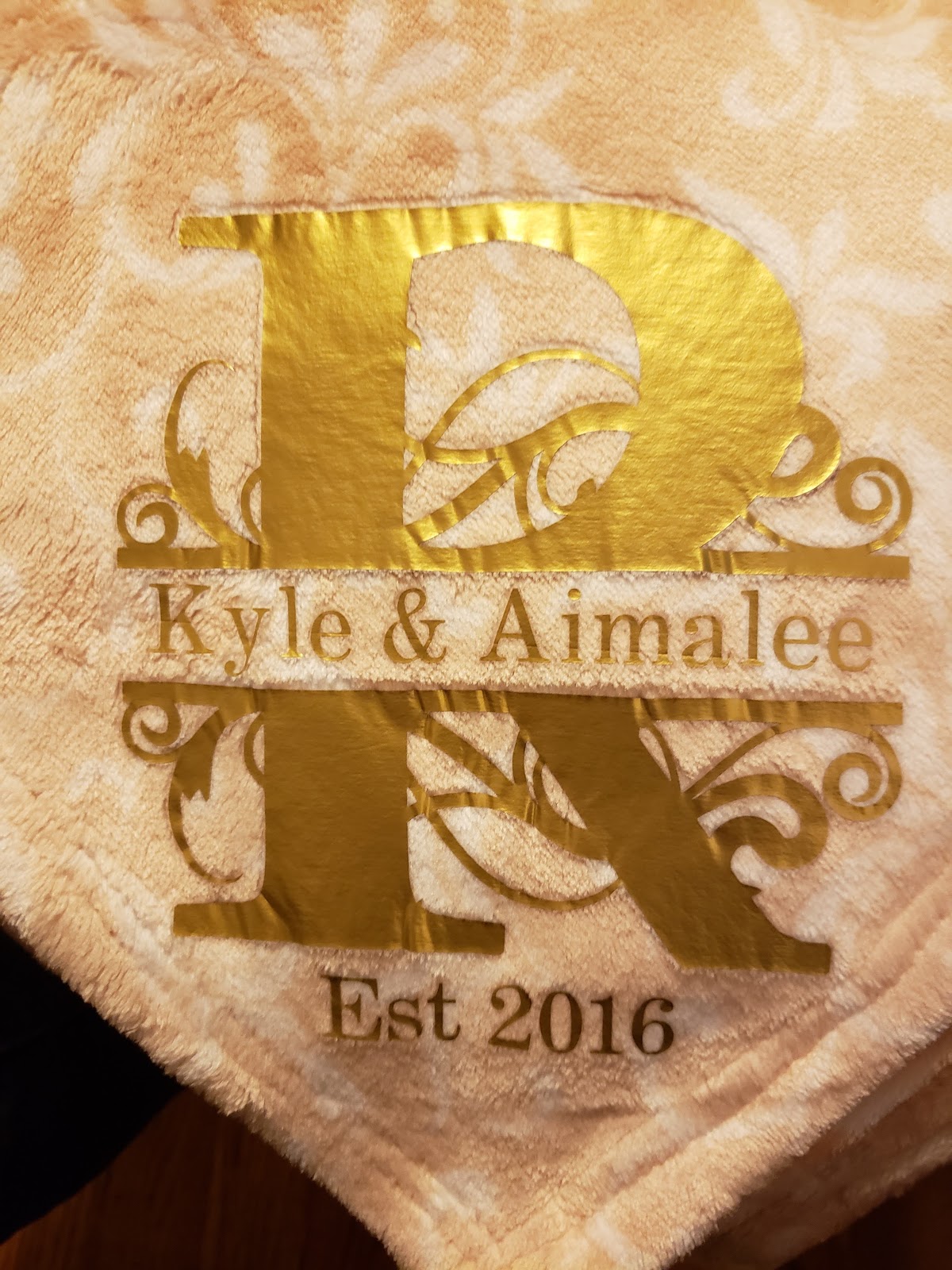
So for my next part of the gift I bought this luxury plush blanket from Dollar General. I love how soft it was and since it is starting to get cold weather a blanket it seemed like a great idea. I used the custom monogram that I used above but put it on some gold HTV and applied it using my easy press 2.
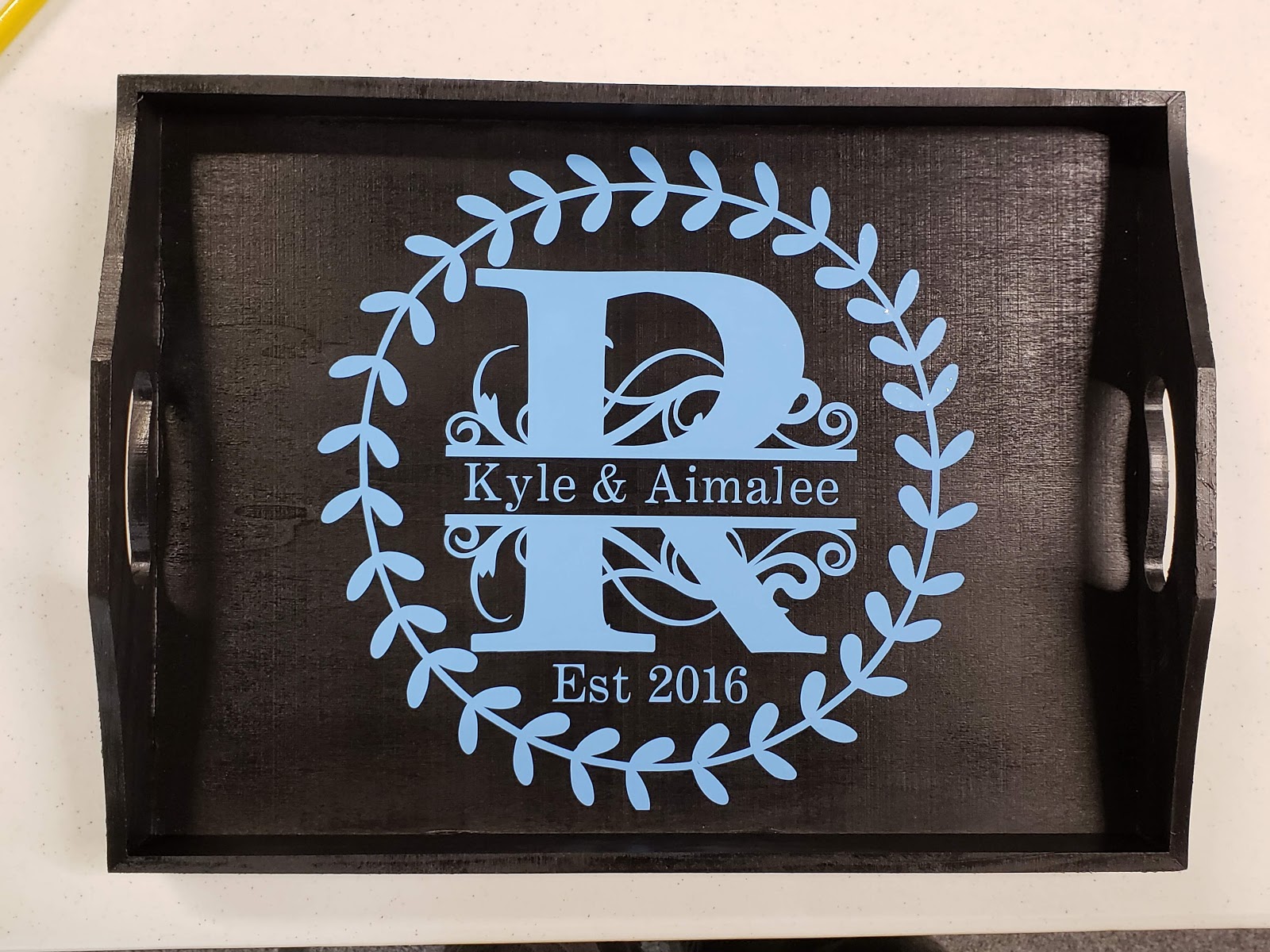
Next, I made this beautiful tray. Lately, I have been really into these Split Monograms so I wanted to use this again. I wanted to add a little spice to it though so I added the leaf frame. I spray painted the tray black then added the details in a light blue Oracle 651 permanent vinyl.  After I let it fully cure for 48 hours I sealed it a clear coat by Rustoleum. 
The last part of my gift was these adorable coffee mugs. I bought them at Dollar Tree. I looked online trying to find the perfect saying. Then I found these and I loved it so much. It perfectly describes my friends. I made sure they were fully cured before giving them away so they would be able to be hand-washed.
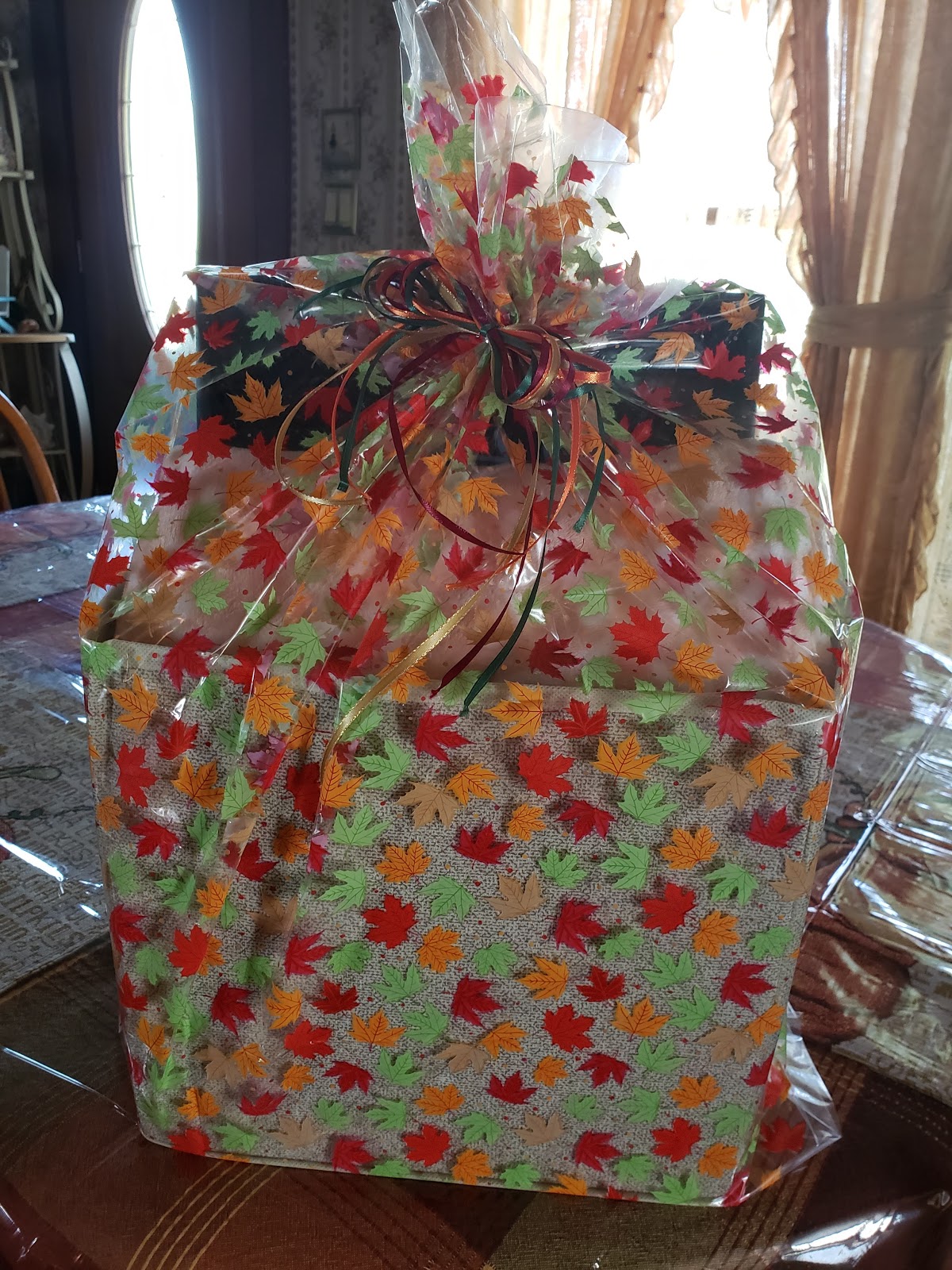
I packed it into a collapasable cube and a gift basket bag and it was ready to go! If you would like to have a step by step tutorial on how to make any of these items then let me know in the comments below. Until next time, stay crafting my friends!
Uncategorized

Personalized Starbucks Cups for $5!?!

Thank you for joining me again today. If you want a personalized cup but don’t want to spend big bucks then you have come to the right place. I am a barista at Starbucks. We are encouraged to use reusable cups for our drinks while we are working to reduce the amount of plastic that is thrown away and to save our Earth. In the past, I have tried a couple different designs on my cup and haven’t found one that I absolutely loved and have had problems with the vinyl bubbling. So this morning I decided to take a different approach. If you have seen any of my recent posts you know that Autumn is my favorite season. So I decided to do an Autumn inspired cup. You can see what came up with below:

I absolutely LOVE this design. If you would like to know how I made this then please keep on reading. One of the things I like about Starbucks is that if you bring a reusable cup in with you, you get 10 cents off for helping to save the planet. Naturally, Starbucks has its own reusable cups that you can purchase. Of course, the prices vary where you live, but the cold cup that you see above around me is only $3 plus tax. That is really a good deal. It is made out of hard plastic and the lid actually fits securely on there so that there isn’t any leakage. If hot drinks are your game they also have reusable hot cups for around $2 plus tax.
So far you have $3 invested in this project now, you just need to decorate it. Since in the past, I had a problem with Cricut permanent adhesive sticking to the cup I went with a different vinyl this time around. I bought Oracle 651 permanent vinyl. I love this stuff because it works really well, has a shiny finish, and…. it is only $2 per 12 X 12 sheet at Michaels. They recently had a sale that each sheet was $1 so I bought a lot of colors. If you want, on this brand you can also use a coupon if it is not on sale which is nice.
So since I knew that I wanted it to be autumn-themed I picked a dark red and orange. Now for the fun part. So for the around the siren logo, I found a free SVG that looks like fall leaves. It was actually a set of 2 different frames. You can find it here. So I just had to decide which one I wanted so I picked the first one. Next, I had to get the right sizing for around the logo. This could be challenging because the logo is actually an oval, not a perfect circle. I wanted to leave a tiny bit of space between the frame and the logo. So the custom size of the frame was 5.306″ wide X 4.917″ high. 
When doing the name I looked through the different fonts that I had on my computer. I wanted the name to stand out so I picked the bright orange vinyl. I am also a super Star Wars nerd, so I ended up using the Star Jedi font from dafont.com. (If you want a link to the font click here.) I picked the one Star Jedi Outline found out of that bundle and cut it using my Cricut.
When I did the weeding I started with the leaf frame first. I didn’t want to waste vinyl so I took the leaves out carefully as I was weeding and set them aside on some leftover backing from a different vinyl sheet. This way I could use them again and finish decorating the cup. I applied that directly to the cup using transfer tap as carefully and evenly as I could.
Next, I started weeding out the letters and put them on the opposite side of the cup where the boxes are and lined them up. 
Lastly, I took those leaves that I had saved and put half the amount on one side, then the rest on the remaining side. Then, Voila! My custom Starbucks cup. You can use the same color vinyl for everything if you want, totally up to your preference. You still have a lot of both sheets left for another project. So $3 for the cup plus $2 for both sheets of vinyl equals a custom cup for $5. 
I hope that you enjoyed this little tutorial. If you did please comment below and I’ll make some more instructions like this. Until next time, have a craftastic day!
Uncategorized

HTV? What is that?

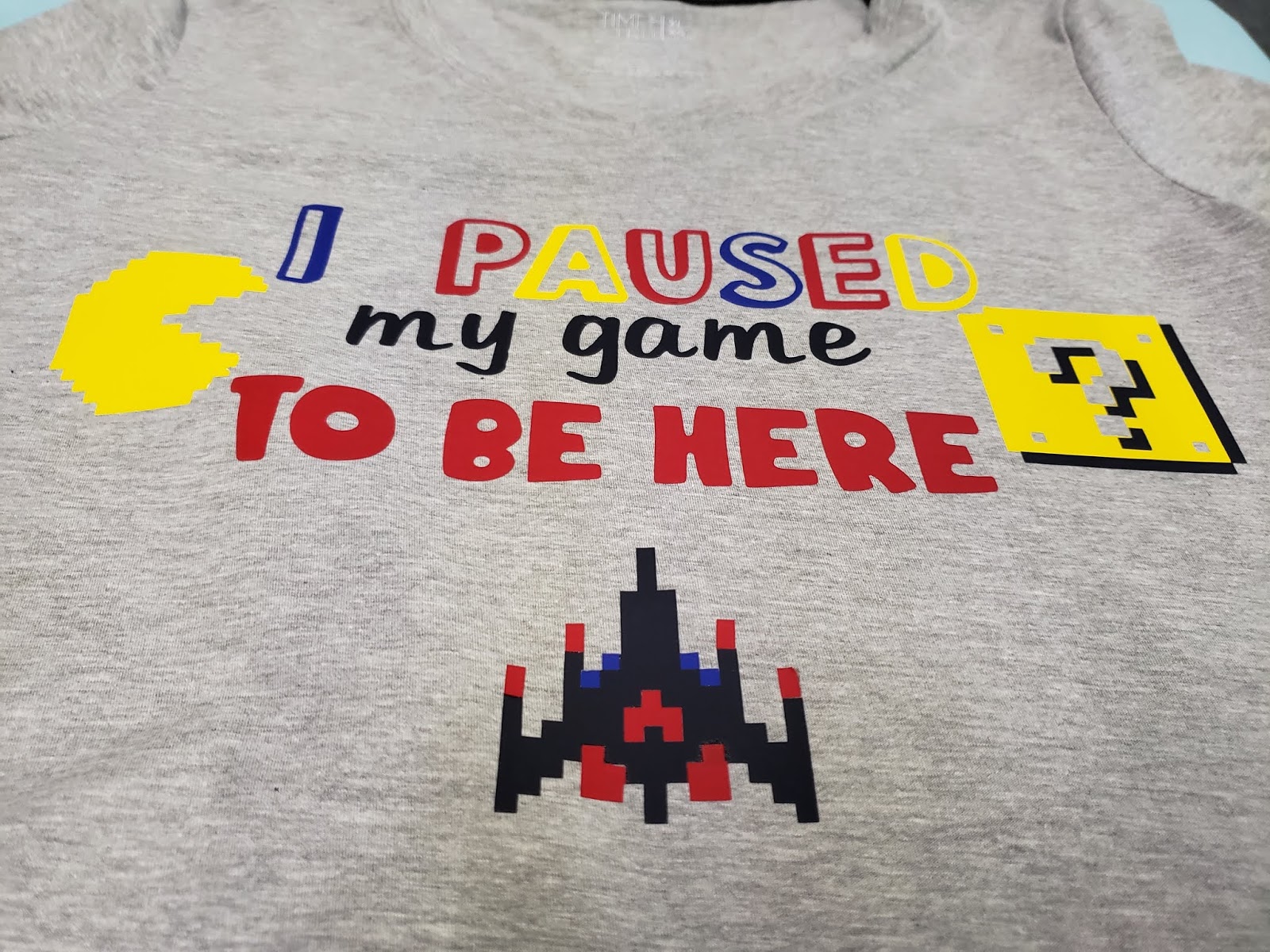
Hi everyone! So today I’m going to talk about HTV. What is HTV? You may ask. It stands for Heat Transfer Vinyl or simply iron-on vinyl. When you have a Cricut the sky is literally the limit for all the different things that you can create. I have to admit that when I made my first couple of shirts (Pictured below) I was terrified.

I had no idea what I was doing and everyone was using their fancy easy press. The trick that I have learned is patience. To use a traditional iron is time-consuming, however, it works just fine. You need patience also with yourself. When you first start designing and apply your t-shirts there are going to be mistakes you will make. You can’t let those mistakes discourage you from your goal. You have to learn from them and try again. That is how we learn everything from walking to our chosen trade. This is no different and you will get there if you keep going.

If you are new to the Cricut world and are using your home iron it is important to know that for most types of vinyl (all the ones that I know of currently) require you to set your home iron to the highest setting. You also need to set it to the DRY setting. You NEVER use the steam setting when doing an iron-on transfer.

Also, make sure that you wash your shirts and dry them without fabric softener. You want to get the coating off the shirt that comes from the manufacturer. If you use fabric softener it is again putting a coating on the clothing that will give you trouble.

When using the older style iron on transfers the idea was to keep the iron moving. That is not the case with HTV. Instead, you want to press the iron down for 15 seconds before lifting it up and moving to a different area. This will prevent wrinkles in the fabric and vinyl.

If you are doing multiple layers of vinyl you must be careful. When you weed the vinyl it comes on clear transfer tape. Please, please, please learn from my mistake and make sure the clear plastic from a different section is under the vinyl. I cannot tell you how many times this happened to me because I was in a hurry.

Most importantly have fun with it! We craft to calm our anxieties or to relax. We don’t want to stress out so much that it no longer is fun. We want to enjoy the destination, or finished project, for sure but we also want to enjoy the journey as well. Before I close out for the day I want to share with you another shirt that I made at the beginning that I am proud of. It gave me so many problems, such as putting the vinyl on the clear transfer tape, but in the end,  it was worth it and is one of my favorite shirts. Until next time, stay crafting my friends!

Uncategorized

Fall in love with Autumn

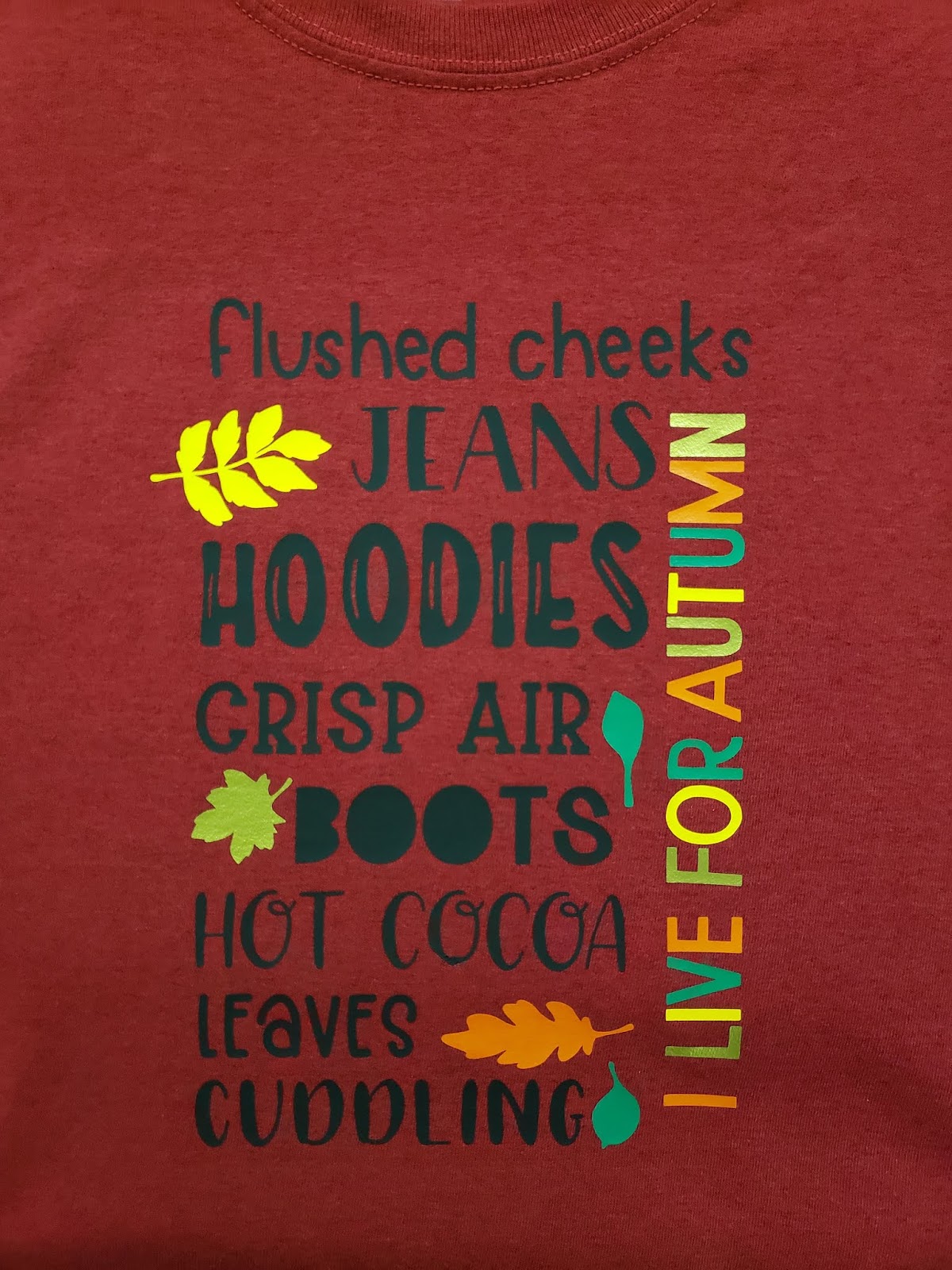
Hello everyone! Welcome back to my blog. So today I wanted to show you something else that you can make with the Cricut. This is probably my new shirt. You may not know this but Autumn is my FAVORITE season. I love the crisp air and beautiful leaves. Basically, I just love everything about it. Since Autumn officially starts on Monday I wanted to make a shirt in preparation. So here is a picture of my finished product.

This may look complicated at first but it is so worth it. The words in black are all 1 piece so that makes it easy. The leaves and words on the sides are in four different colors. I used orange, gold, medium yellow, and medium/dark green. The leaves are very easy to apply. The hardest part of the project is trying to align the “I live for autumn” and keep it straight but once you have it, you’re golden. The shirt is antique cherry red by Gildan that I bought at Michael’s for $2. If you are looking for the SVG file, you can find it here. That’s all for today. If you have any questions please send me a message. Talk to you soon!